
Back to press releases and articles

Quick create assignments – FlatWorld Homework
The quick way to create your new assignments. With our new Quick create feature you can now create your assignments with just a few clicks. (Available in the +NEW menu). Just tell us: Which chapter you would like to use for the assignment How many questions you want to include from this chapter When is the assignment due No need to…
The quick way to create your new assignments.
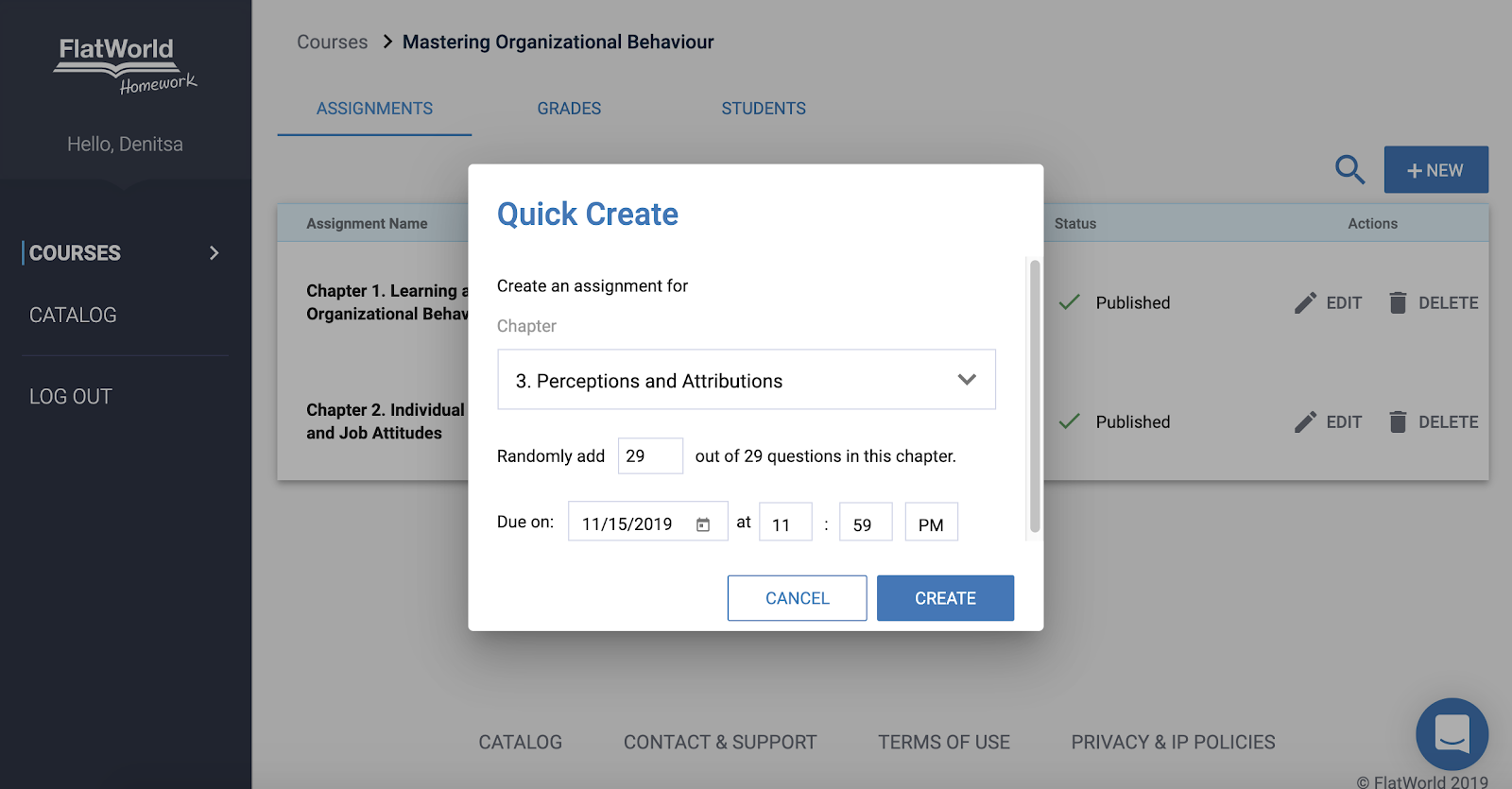
With our new Quick create feature you can now create your assignments with just a few clicks. (Available in the +NEW menu). Just tell us:
- Which chapter you would like to use for the assignment
- How many questions you want to include from this chapter
- When is the assignment due
No need to go over all of the questions, we’ll pick them out for you.
Once you create your assignment you will be able to preview it and customize it the way you want it.
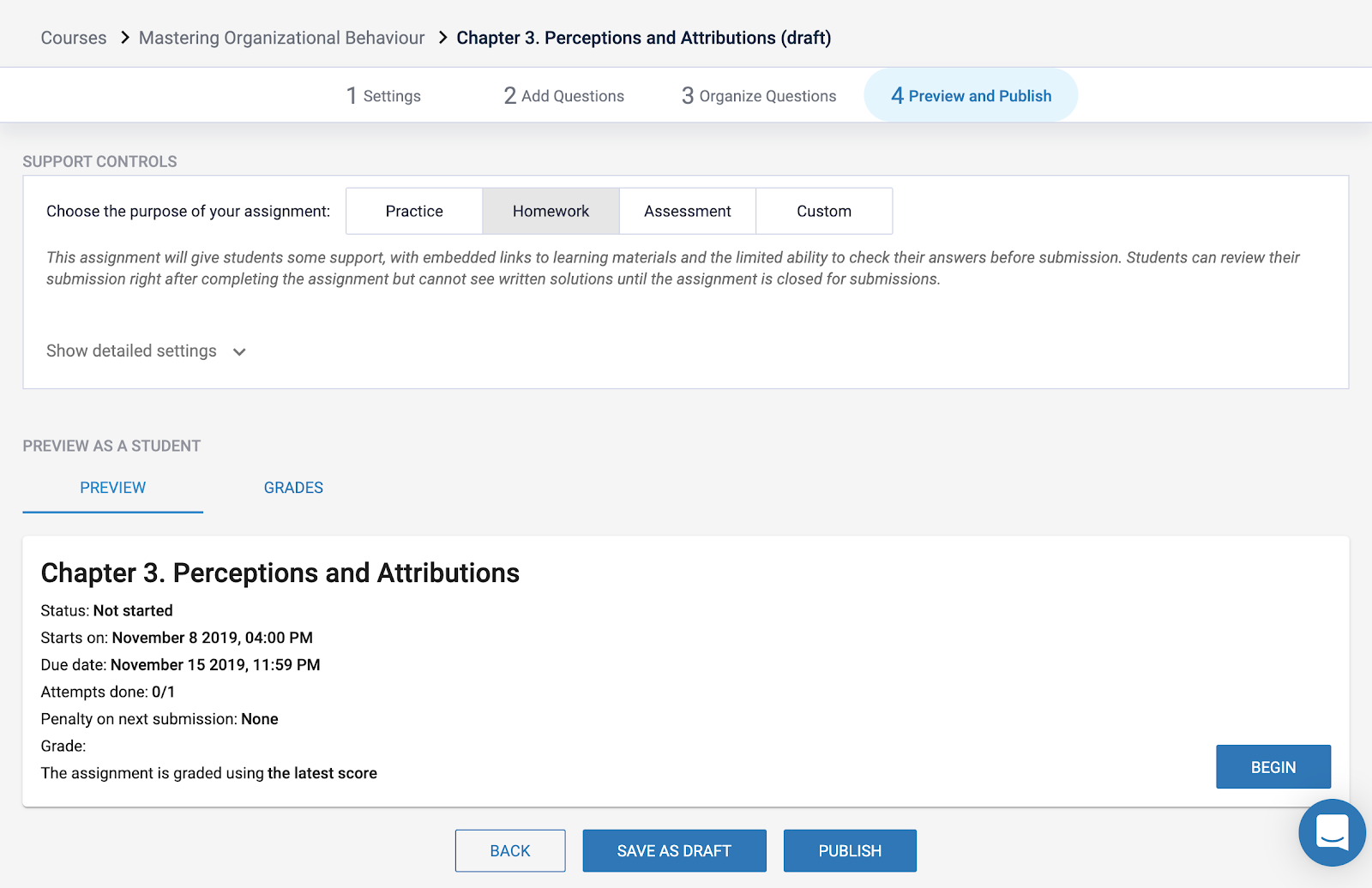
When you’re ready, don’t forget to publish it to make it accessible to your students.